Which tools coach a cold caller during the call?
On a cold call to a motivated seller, the rep gets one sentence to answer an objection. A tired landlord pushes back on the price, the rep reaches for a line that is not there, and the call ends. Your next call review will show the right answer, after that landlord has moved on.
Plenty of software is sold as "call coaching," and many of those tools only score the call after it ends. The ones that do coach live still differ on when the prompt lands, whether it speaks to probate and pre-foreclosure calls, and which plan you have to buy to get it.
Below: how live coaching differs from call review, the eight tools one by one, then a side-by-side table with prices, how to test a live coach in a trial, and which tool fits which floor.
Live coaching and call review are two different jobs
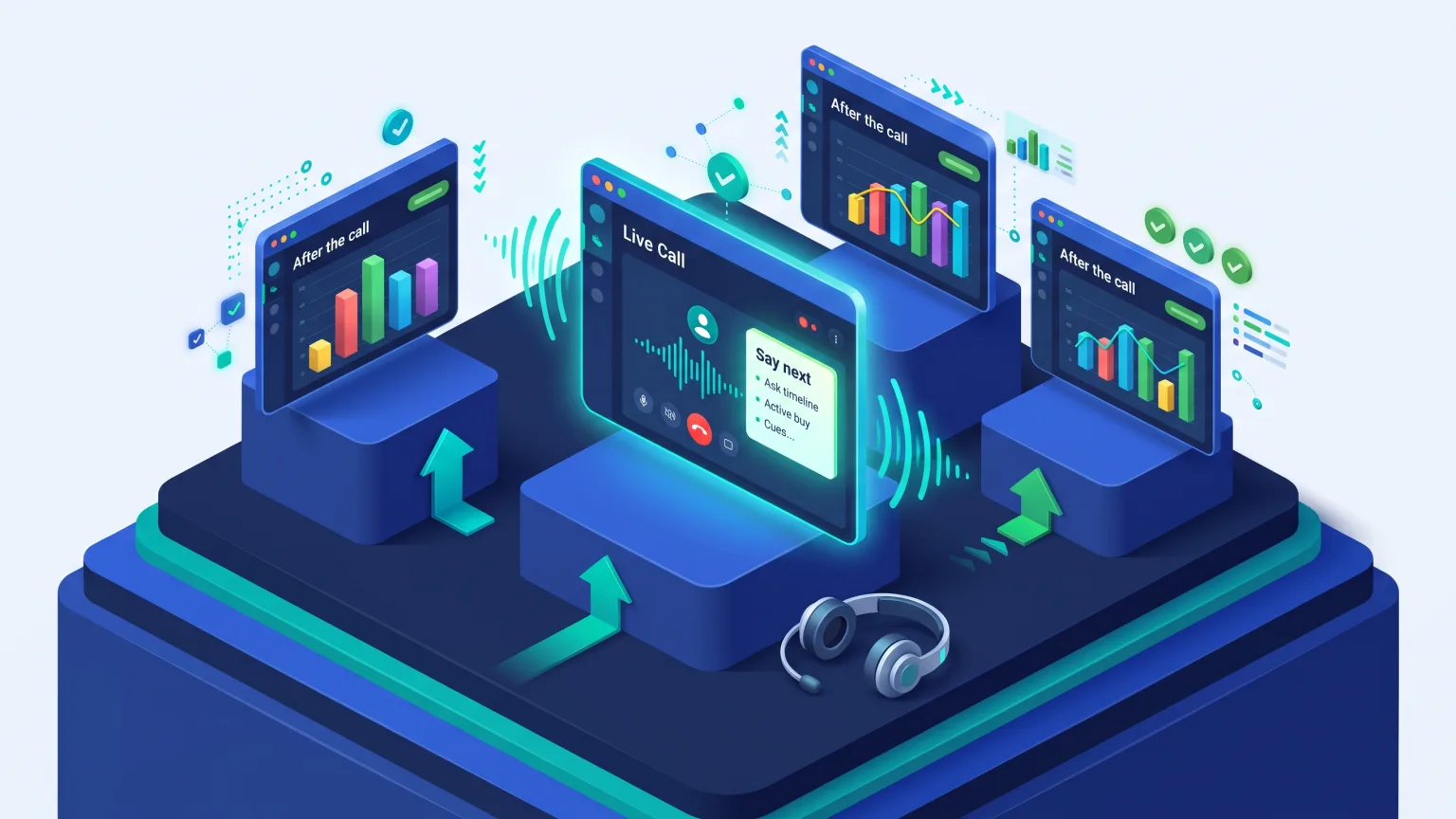
Live coaching runs during the conversation. The software transcribes both sides as they speak, spots an objection or a keyword, and shows the rep a response before the moment passes. Call review runs afterwards: the call is recorded, transcribed, scored against a rubric, and a manager or an AI writes feedback for next time.
A cold call to a motivated seller is one shot. If the seller says "I already have a cash offer" and the rep stalls, the review on Monday explains what went wrong to a rep whose seller has already signed elsewhere. Review still earns its keep, because it is how you find the objection that keeps beating your floor. Most teams want both, so the comparison table after the eight tools scores them separately. For the longer explanation of what a live coach actually does, read how AI coaching works during a live call.
Dialers with a live coach built in
These five put the coach on the same screen as the dialer, so the rep does not switch windows mid-call. That matters on a cold call, where the rep has one sentence to respond.
CallVisor
CallVisor is a dialer built around the seller call. The live AI coach listens and shows the rep the next line to say during the call, on every plan. It coaches seller, agent and buyer calls, and teams can load their own call scripts and coaching prompt so the suggestions match how your floor talks. On Starter, coaching covers the included minutes and then runs from the account balance. Calls are transcribed live and summarized afterwards. On Pro and up, answered outbound seller calls are scored on opening, discovery, property condition, objection handling and next step, with a "needs a listen" queue for managers. Business adds Listen, Whisper and Barge. It also texts one to one with AI reply suggestions, runs bulk text campaigns on Pro and up after carrier registration (A2P 10DLC), and shows property details on the call on every plan. The honest limit: one line per rep, with preview dialing on every plan and progressive and power on Pro and up, so a floor that needs multi-line volume should look at BatchDialer. See how the coach fits a team on coaching reps at scale.
BatchDialer
BatchDialer is the volume pick for real estate lists. Starter runs three lines per agent and Pro and Enterprise run five. Listen, whisper and barge come on every plan, and "Live AI Coaching & Call Summaries" start on Pro. Plans are $95, $151 and $199 per agent a month on annual billing (BatchDialer pricing, November 2026). Its pricing page does not mention post-call scoring or texting. Property details show inside the dialer when available; comps, repair estimates and offer math sit in its sister product BatchLeads, sold separately. If dial volume is your constraint and you want a coach on top, it is a strong option. The BatchDialer comparison covers it side by side.
Dialpad Sell
Dialpad is a business phone system with real-time AI. Its Live Coach cards pop up on the rep's screen when either side says a set word or phrase, with notes or talking points (Dialpad Ai Live Coach cards). Dialpad Sell lists Essentials, Advanced and Premium at $39, $59 and $79 per user a month billed yearly ($49, $70 and $95 monthly) (Dialpad pricing, November 2026). Live Coach starts on Advanced, and scorecards arrive on Premium. The cards are only as good as the keywords you write, so plan time to build them for seller objections.
JustCall
JustCall pairs a sales phone with texting and an AI coach. Its coach page describes prompts during pricing questions, competitor mentions and pushback, delivered as small pop-ups, plus scoring and feedback after each call (JustCall AI coach). Real-time agent assist and AI call scoring both start on Pro Plus. Team, Pro and Pro Plus are $23, $37 and $62 per user a month billed annually (sale prices), or $39, $69 and $109 monthly, with a two-user minimum (JustCall pricing, November 2026). It is cross-industry, so the prompts start generic until you train them on your own calls. See the JustCall comparison.
Nooks
Nooks is a multi-line and power dialer sold by custom quote. Its pricing page lists live battlecards with keyword detection, real-time transcription, whisper coaching and live listen-in, plus AI call scoring and summaries (Nooks pricing, November 2026). Prices are a custom quote. Nothing on its pricing page is tuned to homeowners or deal math. See the Nooks comparison.
Coaching layers and review suites
These three sit beside or after the call rather than inside a dialer you would buy for cold calling. Two of them are mostly review tools today.
Balto
Balto is the specialist in real-time guidance. Its site says it gives agents answers to customers' questions in real time and auto-scores 100% of interactions afterwards (Balto, November 2026). Balto comes as one plan, Balto Plus, priced per seat, and the price is a conversation with sales (Balto pricing). A dialer is not shown, so you would run it alongside your phone system. It is sold through a sales conversation rather than a self-serve plan, which suits a larger floor better than a five-person acquisitions team.
Gong
Gong is a conversation-intelligence product, and its core strength is after the call. Its own page says it records and transcribes every sales call and gives managers dashboards, scorecards and coaching recommendations (Gong conversation intelligence, November 2026). Its live features, such as an alert telling a rep to stop talking and let the prospect speak, are described for the Gong App for Zoom (Gong blog). Pricing is a custom proposal, and Gong's dialer FAQ says it has no built-in power dialer (Gong dialer FAQ). For a cold-calling floor, treat it as a review suite and confirm any live phone prompts on a demo.
Orum
Orum is a power and parallel dialer for sales teams, with a nine-seat minimum and pricing on request (Orum pricing, November 2026). Live Listen is included, and texting is not mentioned on its pages. Its AI coaching add-on covers AI scorecards with instant feedback, AI roleplay and a coaching portal, and lists live battlecards as coming soon. Today that makes it a practice and review tool rather than a live coach.
How the eight tools compare
| Tool | Live prompts during the call | Scoring and review after the call | Manager listen or whisper | Dialer | Property details on the call | Real estate dedicated add-ons |
|---|---|---|---|---|---|---|
| CallVisor | Every plan | Summary; scores on Pro and up | Business plan | One line per rep | Every plan | Monthly allowance on every plan (comps on Starter); more with add-ons |
| BatchDialer | Pro and up | Summaries on Pro, no scores | Every plan | 3 to 5 lines | When available | ✗ No |
| Dialpad Sell | Advanced and Premium | Recaps; scorecards on Premium | Listen In, Barge In | Salesforce dialer, Premium | ✗ Not mentioned | ✗ No |
| JustCall | Pro Plus and up | Scores on Pro Plus | Pro and up | Power; 10 lines on SalesPro | ✗ Not mentioned | ✗ No |
| Nooks | Live battlecards, by quote | Scoring in AI Coaching product | Listen-in, whisper | Multi-line, power | ✗ Not mentioned | ✗ No |
| Balto | Real-time guidance | Scores every call | Live supervisor alerts and messages | ✗ Not mentioned; works with your dialer | ✗ Not mentioned | ✗ No |
| Gong | Zoom app alerts | Scorecards and dashboards | ✗ Not mentioned | Dialer, no power mode | ✗ Not mentioned | ✗ No |
| Orum | ✗ Coming soon only | Scorecards are an add-on | Live Listen only | Power, parallel | ✗ Not mentioned | ✗ No |
yes · ✗ no, or not listed by the vendor · partly, where a tool offers less than another. Details from each vendor’s own pages, last checked November 2026. Verify current specs on their sites.
We compare fairly and in good faith. If you spot a mistake, email support@callvisor.pro and we’ll correct it.
Price, calling minutes and texting
| Tool | Monthly price | Yearly price | Calling minutes | Bulk text campaigns | Texts a month | Daily text limit |
|---|---|---|---|---|---|---|
| CallVisor | Starter $35 flat for up to 3 people; Pro $149, Business $199 a seat | Starter $28.00 flat for up to 3 people; Pro $119.20, Business $159.20 a seat, billed yearly | Unlimited US on Pro and up; Starter allowance | Pro and up, after registration | Starter 500 for the account; Pro 1,500, Business 2,500 a seat, pooled | Set by carriers: from 2,000 a day |
| BatchDialer | $119 / $189 / $249 a seat | $95 / $151 / $199 a seat | Unlimited | ✗ Not mentioned | ✗ None | Not applicable |
| Dialpad Sell | $49 / $70 / $95 a user | $39 / $59 / $79 a user, billed yearly | Unlimited US and Canada | Enterprise license, 50 recipients a send | ✗ Not published | 5,000 a day per campaign |
| JustCall | $39 / $69 / $109 a user | $23 / $37 / $62 a user, billed yearly (sale price) | Unlimited, fair use | Pro and up | 500 to 1,000 a user | $10 a day default spend cap |
| Nooks | Custom quote | Custom quote | ✗ Not published | Text steps in sequences | ✗ Not published | Not published |
| Balto | Contact sales | Contact sales | ✗ Not mentioned | ✗ Not mentioned | ✗ None | Not applicable |
| Gong | Custom proposal | Custom proposal | 36,000 a seat a year, Engage | ✗ Not mentioned | ✗ None | Not applicable |
| Orum | Request pricing | Request pricing | Unlimited dials | ✗ Not mentioned | ✗ None | Not applicable |
Prices are per seat or user a month, read in November 2026 on BatchDialer, Dialpad, JustCall, Nooks, Balto, Gong and Orum. Live CallVisor prices are on CallVisor pricing.
How to test live coaching in a trial
A demo always fires on cue. A trial on your own list is where you learn whether the coach helps. Run these five checks before you sign.
- Time the prompt. Have a teammate play a seller and raise your three most common objections. If the suggestion lands after the rep has already answered, it is a review tool with a live label.
- Load your own script. A coach trained on software sales will suggest booking a demo. Check that you can add your scripts and your offer logic, so it speaks to probate, pre-foreclosure and tired landlord calls.
- Watch the rep, not the screen. A good prompt is one line the rep can say. If reps stop listening to read a paragraph, the coach is costing you rapport.
- Check the review loop. Live prompts fix today's call; scoring tells you which objection keeps winning across the floor. Our acquisition call scorecard shows what to grade.
- Price the plan the coach is on. On several tools above, live coaching starts on the second or third tier, so compare the tier you would actually buy.
Recording and consent come with any live coach
A live coach has to hear the call, so it transcribes the conversation as it happens. Treat that like recording when you plan your call opening. Federal law allows recording a phone call with the consent of one party (18 U.S.C. 2511(2)(d)). Several states require the consent of every party (the Digital Media Law Project lists them), and calls across state lines make it hard to say in advance which law applies (Digital Media Law Project). A floor dialing sellers in many states usually announces at the start of the call that it may be recorded. The software can help; the notice and the decision to record stay with you. This is general information, so confirm your own call opening with counsel.
Which tool fits your floor
- A real estate acquisitions floor that wants the coach, the scores and the dialer in one place: CallVisor.
- A real estate floor that needs multi-line volume first and coaching second: BatchDialer Pro.
- A general sales team that wants one business phone with live cards: Dialpad Sell Advanced, or JustCall Pro Plus if texting matters.
- A team that wants multi-line dialing with live battlecards and listen-in: Nooks, on a custom quote.
- A team that wants a power and parallel dialer with live listen, scorecards and roleplay: Orum, which lists live battlecards as coming soon.
- A team that wants real-time guidance and auto-scoring beside its own phone system: Balto, priced through sales.
- A team that mostly wants recorded, transcribed calls and manager dashboards: Gong.
If your problem is managers who never hear the calls at all, start with how to coach cold callers you can't listen to. For a creative-finance example of live prompts on a hard objection, see live objection coaching for creative-finance calls.
Frequently asked questions
What is the best live coaching software for cold calling? The one that prompts your reps during the call, in your own scripts, on a plan you can afford. For real estate acquisition calls, CallVisor coaches on every plan and shows the next line to say. For multi-line volume on real estate lists, BatchDialer adds live AI coaching on Pro. For general sales, Dialpad and JustCall both offer live prompts on their upper tiers.
Is Gong real-time coaching? Mostly not, for phone calls. Gong records, transcribes and analyzes calls and gives managers scorecards and coaching recommendations afterwards. Its documented live alerts run in the Gong App for Zoom. Ask on a demo whether any live prompts work on your dialer's phone calls.
What is the difference between real-time coaching and call scoring? Real-time coaching shows the rep what to say while the seller is still on the line. Call scoring grades the finished call against a rubric so a manager can find patterns. Live prompts save today's call; scores show which habit to fix across the team.
Does live AI coaching record the call? The coach has to transcribe the conversation as it happens, so plan for it the way you plan for recording. Several states require every party's consent, so floors calling nationwide usually announce the recording at the start of the call. Check your call opening with counsel.
Can a live coach replace a sales manager? It covers the moment no manager can reach: every call, as it happens. A manager still sets the scripts, reviews the scores and decides who needs a listen. See our pricing page for which CallVisor plans include call scores and Listen, Whisper and Barge.
If you want the coach, the scores and the dialer on one screen for seller calls, Start Free Trial. The trial is 14 days on Starter, with no credit card.
This article is general information, not legal, financial, or investment advice. Real Invest Republic / CallVisor is not liable for decisions made based on it. Consult a qualified professional (attorney, CPA, or licensed advisor) about your specific situation at your own discretion.
- ai coaching
- coaching
- cold calling
- dialers
- call qa